 KOTA
Visualizador 1:11:1 viewer
Las medidas se entienden mejor cuando puedes verlas.
Sizes make more sense when you can see them.
Visualiza, ajusta y comprueba dimensiones a tamaño real, directamente en tu pantalla.
See, adjust and check dimensions at true size, right on your screen.
- 1:1Pones una medida y la ves a tamaño real.Enter a size and see it at true size.
- ↕La cambias con el dedo y la forma te sigue.Change it with your finger and the shape follows.
- ◎Apoyas la pieza encima y compruebas.Lay the part on top and check.
Sin cuenta · sin anuncios · funciona sin conexiónNo account · no ads · works offline
La forma, 1:1The shape, 1:1Ocupa lo mismo que en la realidad.Same size as in real life.
La cifra ↕The number ↕Desliza para cambiarla.Slide to change it.
La regla ↔The ruler ↔Arrastra para afinar.Drag to fine-tune.
Con el dedoWith your finger
No solo consultas una medida: la mueves y la ves cambiar.
You don't just look a size up: you move it and watch it change.
Dos gestos. Uno para llegar rápido, otro para dejarla justa. La forma sigue al dedo, siempre a tamaño real.
Two gestures. One to get there fast, one to land it exactly. The shape follows your finger, always at true size.
Desliza sobre la cifra
Slide over the number
Arriba aumenta, abajo reduce. Para cambios grandes.
Up to increase, down to decrease. For big changes.
En este vídeoIn this video20.00 → 26.00 mm
Arrastra la regla de abajo
Drag the ruler at the bottom
Ajuste fino: 0,01 mm por marca, 0,05 mm si vas deprisa. En el ordenador, también con la rueda del ratón.
Fine adjust: 0.01 mm per tick, 0.05 mm if you go fast. On a computer, the mouse wheel works too.
En este vídeoIn this video8.00 → 9.40 mm
No coincideNo matchCoincideIt matches El aro dibujado sobraThe drawn ring is too bigØ 30,00 · pared 6,50Ø 30.00 · wall 6.50
Para comprobarTo check
Apoya la pieza encima. El dibujo no se mueve.
Lay the part on top. The drawing stays put.
Pones la pieza sobre la pantalla y ves si coincide. Si no, afinas con la regla hasta que case: así sabes cuánto mide.
Put the part on the screen and see whether it matches. If it doesn't, fine-tune with the ruler until it does: now you know its size.
- La zona de dibujo no reacciona al tacto. Los controles están abajo, así que la pieza no cambia la medida.
- The drawing area doesn't react to touch. The controls are at the bottom, so the part doesn't change the size.
- Mira desde arriba, en vertical. El cristal tiene grosor y, de lado, la pieza parece desplazada.
- Look straight down from above. The glass has thickness, and from the side the part looks shifted.
FormasShapes
No es solo una regla.
It's not just a ruler.
Cada forma tiene sus propias cotas, y todas se mueven igual: con el dedo o tecleando. Debajo de cada una, lo que puedes ajustar.
Each shape has its own dimensions, and they all move the same way: with your finger or by typing. Under each one, what you can adjust.
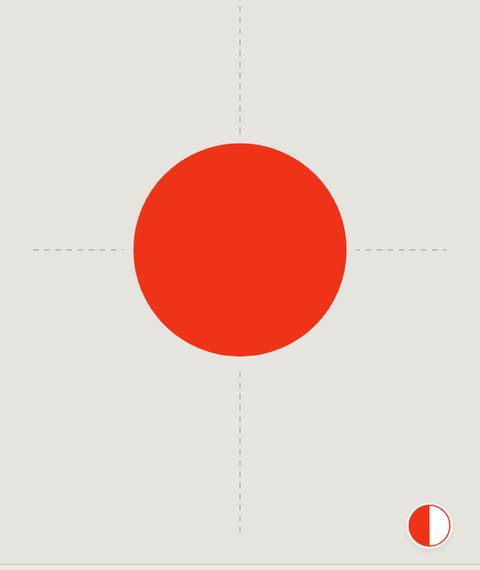
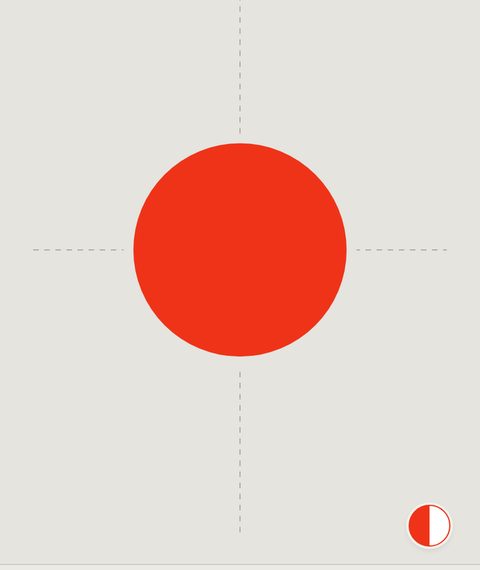
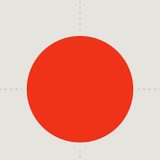
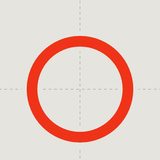
Un taladro, una arandela, una tapa.
A drill hole, a washer, a lid.
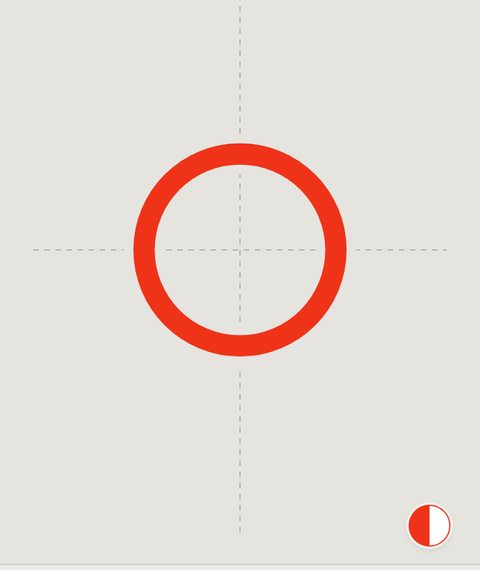
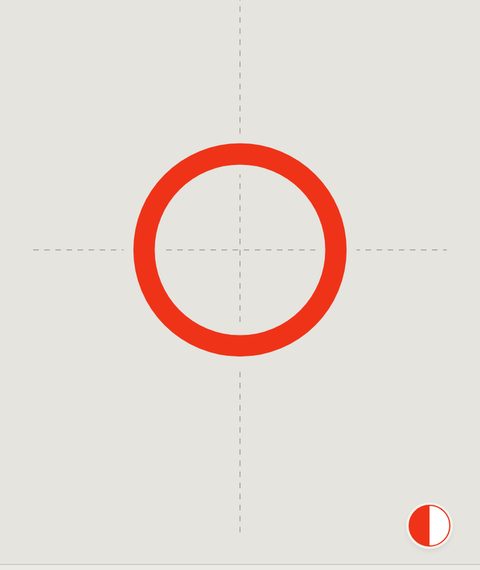
Un aro o un tubo.
A ring or a tube.
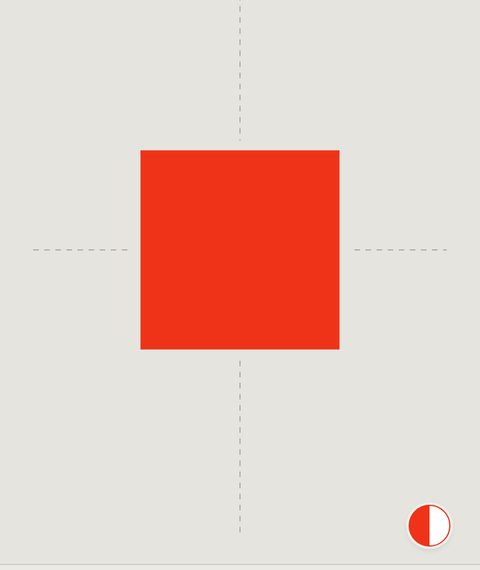
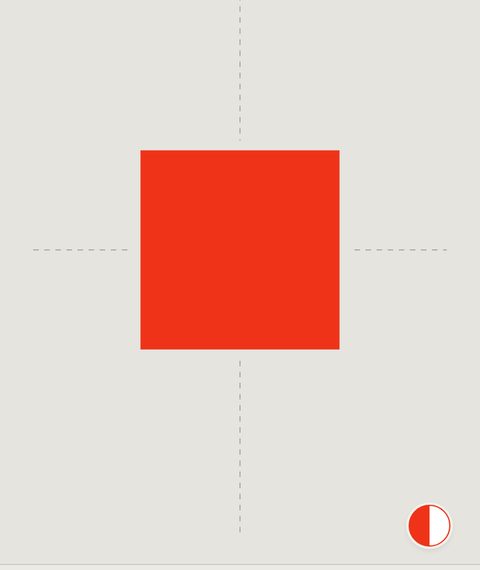
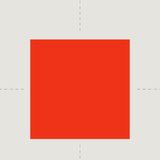
Una pieza, una baldosa, un hueco.
A part, a tile, an opening.
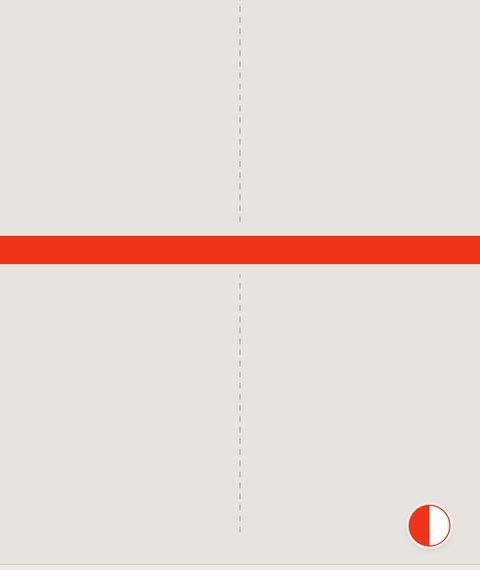
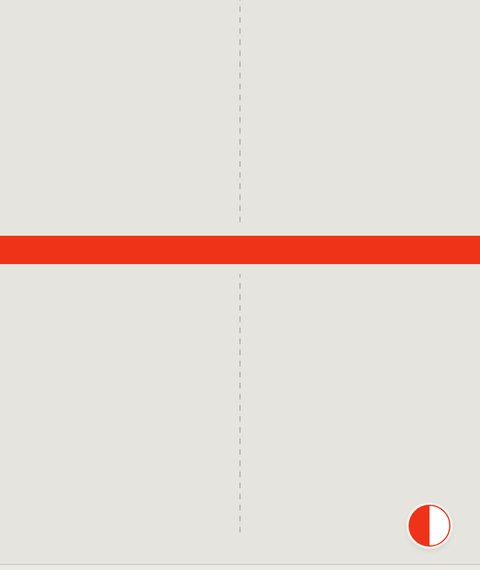
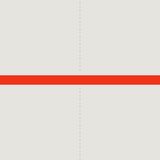
Un cable, un tablero, una chapa.
A cable, a board, a sheet.
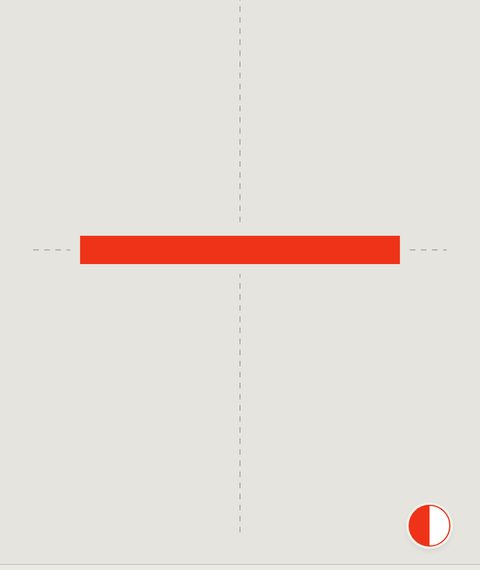
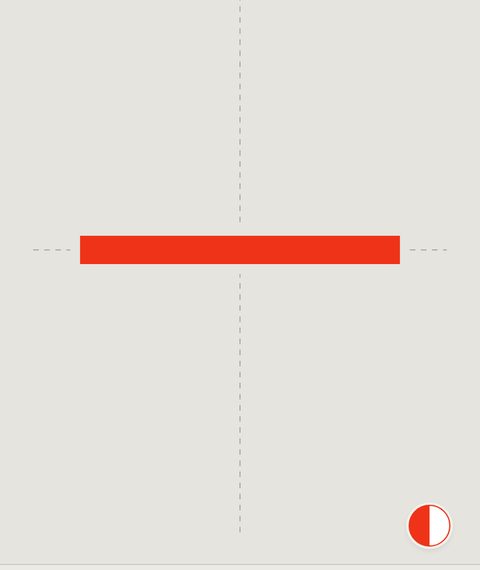
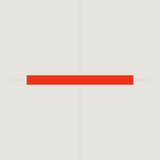
Un listón o una ranura de largo exacto.
A strip or a slot of exact length.
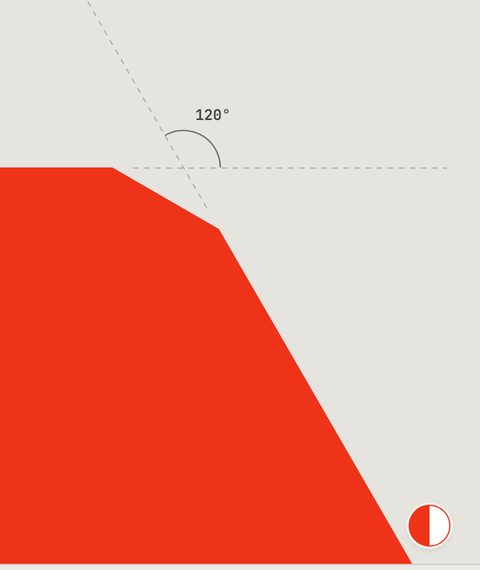
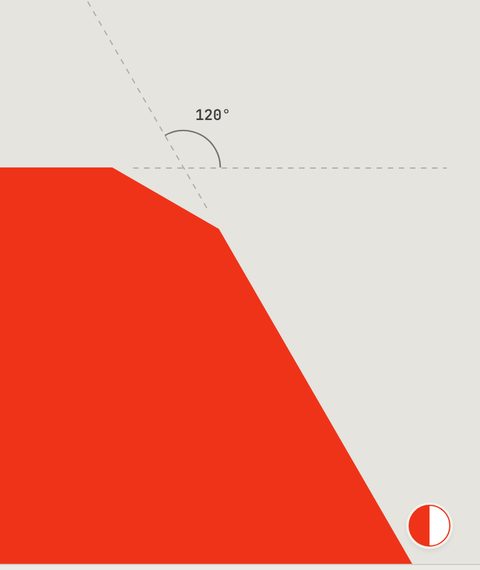
Una esquina cortada.
A cut corner.
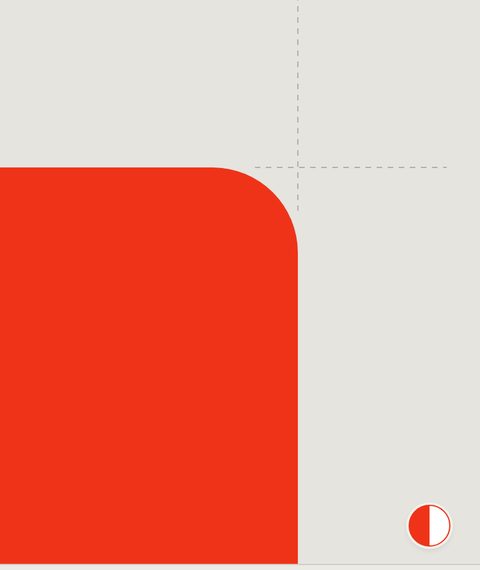
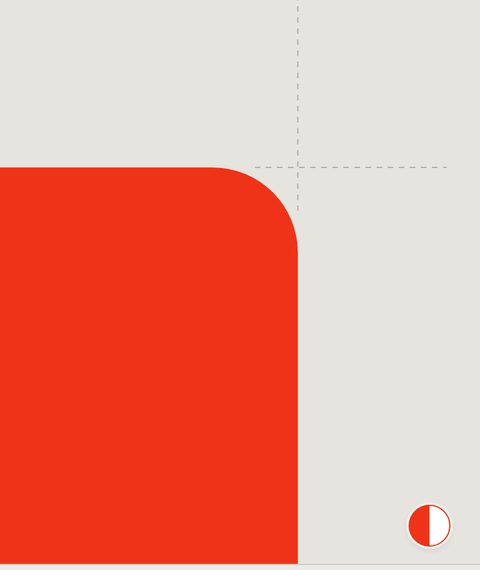
Una esquina redondeada.
A rounded corner.
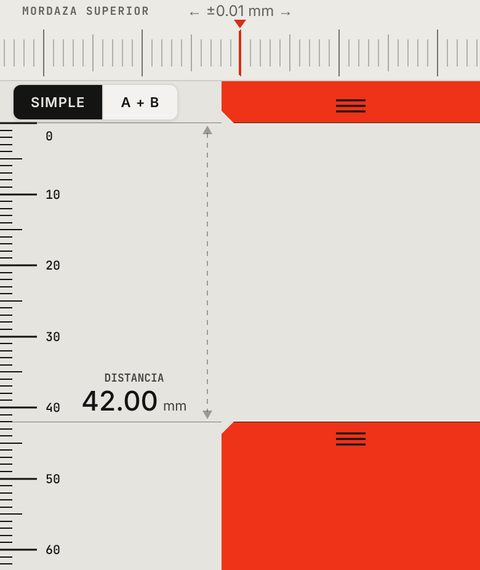
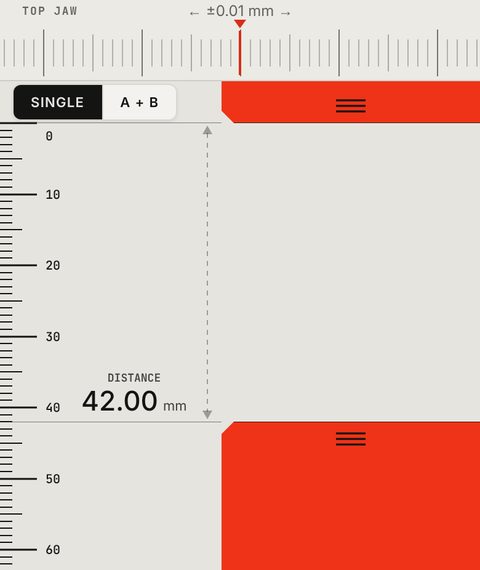
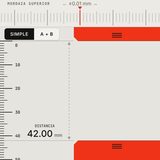
Mide un objeto entre las mordazas.
Measure an object between the jaws.
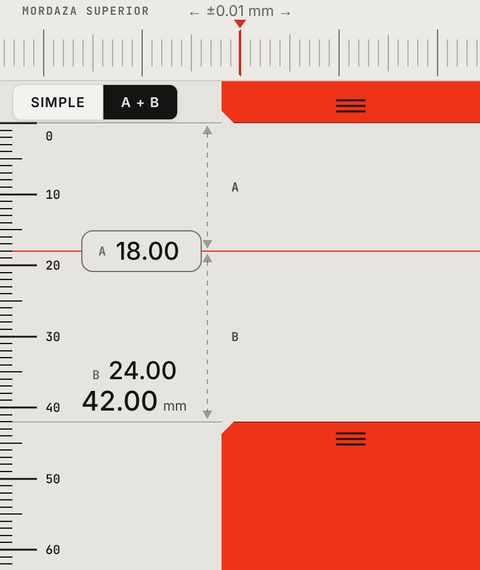
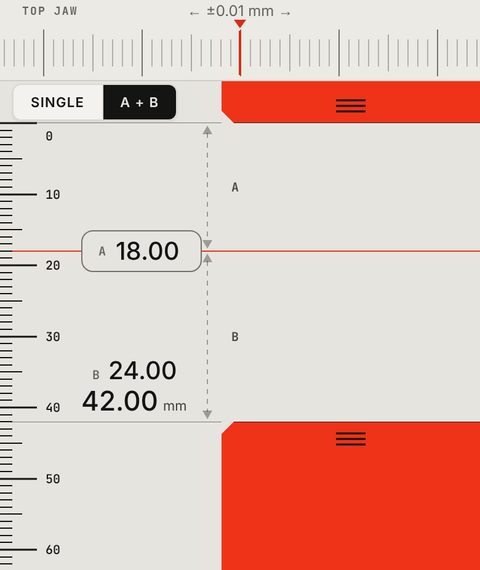
Dos cotas encadenadas y su total.
Two chained dimensions and their total.
Calculadora integradaBuilt-in calculator
Haz la cuenta donde está la medida.
Do the maths where the size is.
Tocas la cifra, escribes un número o una operación, y el resultado va directo a la forma. Sin salir de KOTA, sin otra calculadora.
Tap the number, type a value or an operation, and the result goes straight to the shape. Without leaving KOTA or opening another calculator.
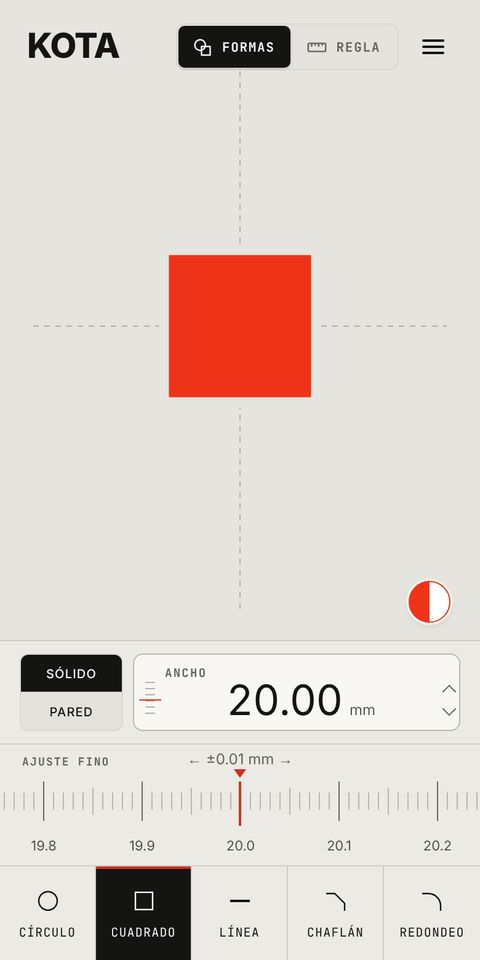
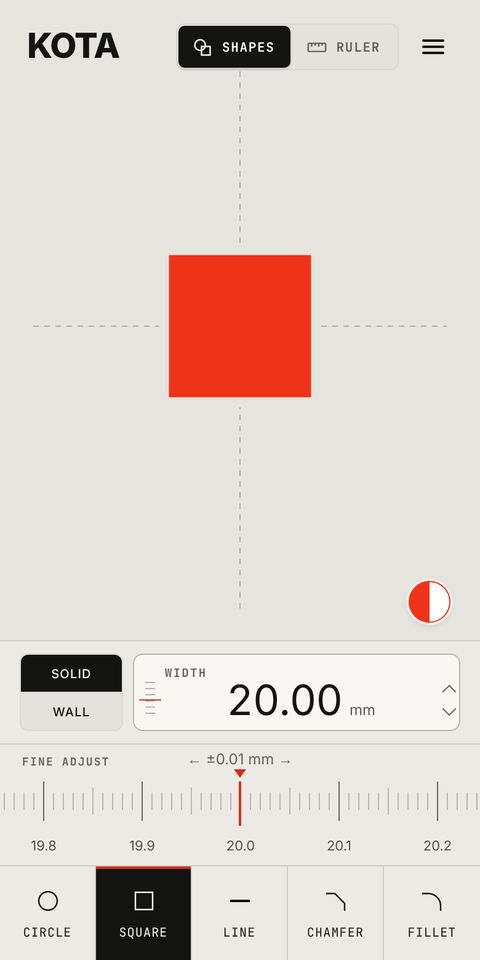
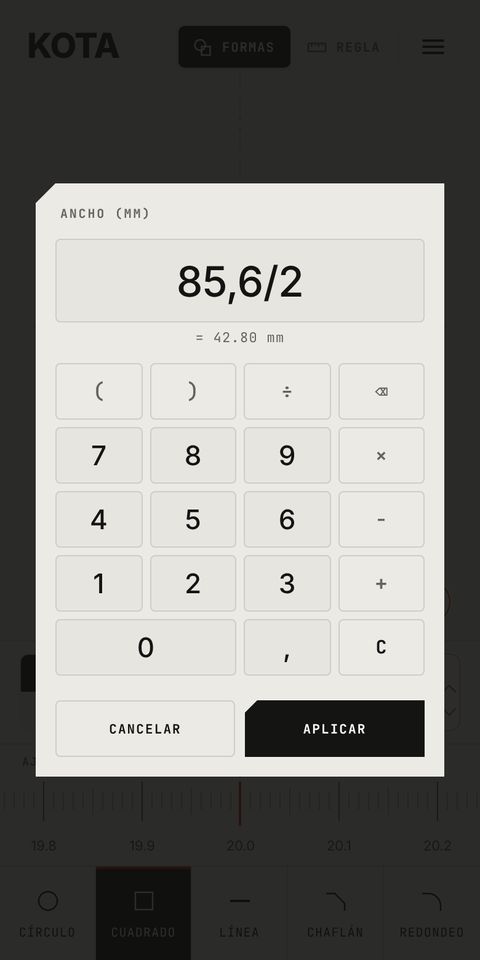
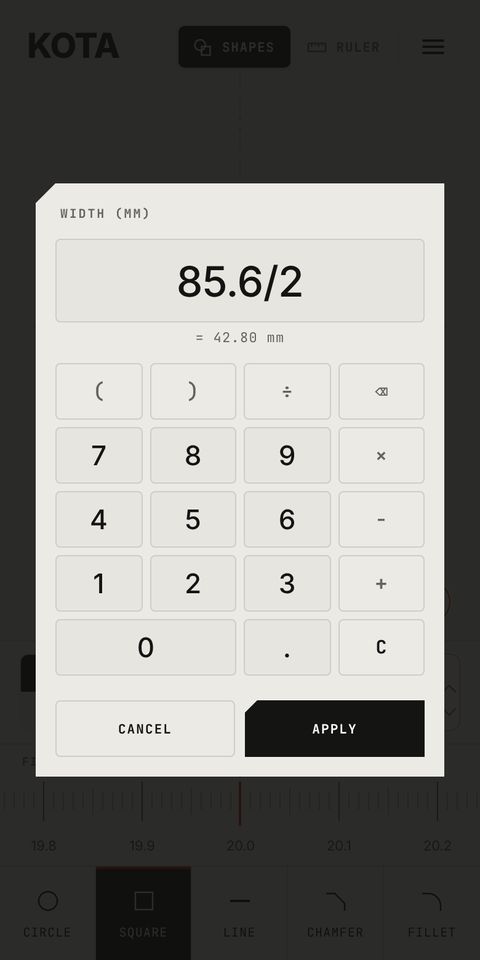
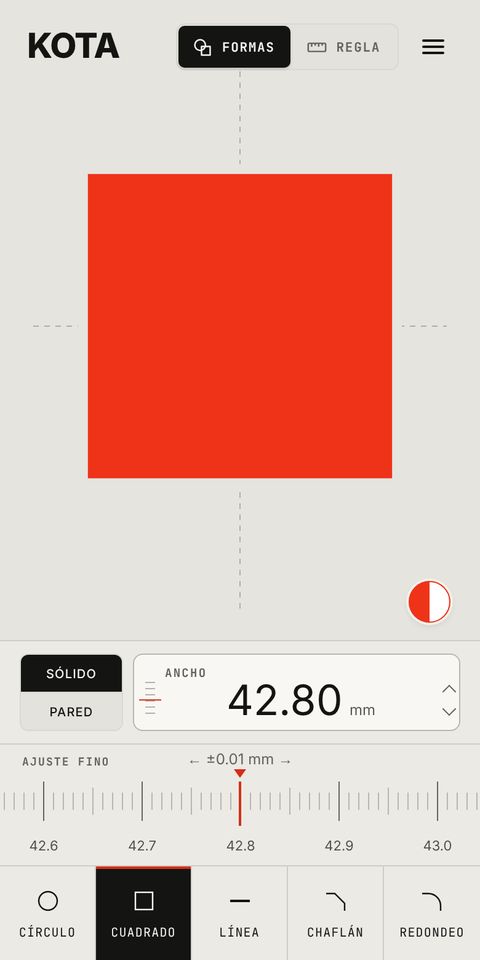
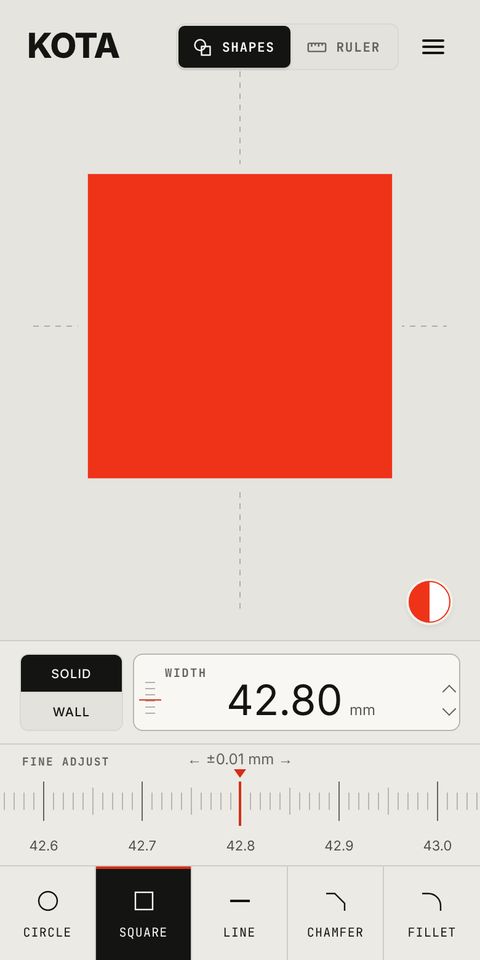
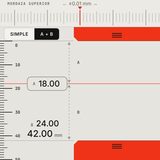
85,6 ÷ 285.6 ÷ 2=42,8042.80mm
Suma · resta · multiplicación · división · paréntesisAdd · subtract · multiply · divide · brackets


Una vez por pantallaOnce per screen
Primero, KOTA aprende el tamaño de tu pantalla.
First, KOTA learns the size of your screen.
- Cada pantalla es distinta. Ajustas dos mordazas a un objeto que tengas a mano y KOTA sabe cuántos píxeles son un milímetro.
- Every screen is different. You fit two jaws to an object you have at hand and KOTA knows how many pixels make a millimetre.
- Todo se dibuja con esa calibración. Se guarda en el dispositivo; si cambias el zoom del navegador, KOTA lo compensa.
- Everything is drawn with that calibration. It's saved on the device; if you change the browser zoom, KOTA compensates.
- El resultado es aproximado. Depende de la calibración y de tu pantalla. Para ver y comprobar, no para sustituir a un calibre.
- The result is approximate. It depends on the calibration and on your screen. For seeing and checking, not for replacing calipers.
Gratis y PROFree and PRO
Gratis ya es una herramienta completa.
Free is already a complete tool.
PRO suma más formas y más control sobre sus parámetros. Un solo pago, sin suscripción.
PRO adds more shapes and more control over their parameters. One payment, no subscription.
FREE
0 €Para siempreForever
Con gestos, ajuste fino, calculadora, calibración guiada, mm y pulgadas, colores y temas.
With gestures, fine adjust, calculator, guided calibration, mm and inches, colours and themes.
Abrir gratisOpen freePRO
6,99 €€6.994,99 €€4.99Pago único · lanzamientoOne-time · launch price
Todo lo de FREE, más:Everything in FREE, plus:
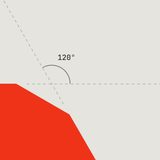
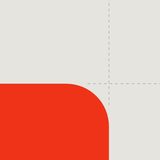
Pared también en el cuadrado, para marcos. Chaflán y redondeo a 90° o con la esquina de 20° a 160°.
Wall on the square too, for frames. Chamfer and fillet at 90° or with the corner from 20° to 160°.
Comprar PROGet PROPreguntasQuestions
¿Qué precisión tiene?How accurate is it?
Depende de la calibración y de tu pantalla. Calibrada con una regla es una buena referencia para ver y comprobar a ojo, pero es aproximada: no sustituye a un calibre ni sirve para piezas que deben cumplir una tolerancia.
It depends on the calibration and on your screen. Calibrated with a ruler it's a good reference for seeing and checking by eye, but it's approximate: it doesn't replace calipers and isn't meant for parts that must meet a tolerance.
¿Funciona en mi dispositivo?Will it work on my device?
KOTA funciona en el navegador de Android, iPhone, tablet y ordenador, y se puede instalar como app. Prueba la versión gratuita: si calibra bien en tu pantalla, PRO también funcionará. Si cambias de pantalla, KOTA te avisa para recalibrar.
KOTA runs in the browser on Android, iPhone, tablets and computers, and you can install it as an app. Try the free version: if it calibrates well on your screen, PRO will work too. If you switch screens, KOTA asks you to recalibrate.
¿Es una herramienta de CAD?Is it a CAD tool?
No. Dibuja formas sencillas a tamaño real para verlas y compararlas con objetos. No crea planos ni exporta archivos.
No. It draws simple shapes at true size so you can see them and compare them with objects. It doesn't make drawings or export files.
¿Cómo funciona el pago de PRO?How does paying for PRO work?
Es un pago único, sin suscripción. Al terminar el pago vuelves a esta web y pulsas «Activar KOTA PRO» en el dispositivo donde uses KOTA; ahí tienes también tu enlace y tu código para otros dispositivos. Si algo falla, escribe a kota@makadesign.studio.
It's a one-time payment, no subscription. When the payment finishes you come back to this site and tap “Activate KOTA PRO” on the device where you use KOTA; you also get your link and code for other devices. If anything goes wrong, write to kota@makadesign.studio.
¿Qué datos recoge?What data does it collect?
Ninguno. No hay cuenta ni publicidad. Tu calibración y tus ajustes se guardan solo en tu dispositivo.
None. There's no account and no advertising. Your calibration and settings are stored only on your device.
PruébalaTry it
Piensa en una medida. Ponla en la pantalla.
Think of a size. Put it on the screen.
En el navegador · sin cuentaIn your browser · no account